
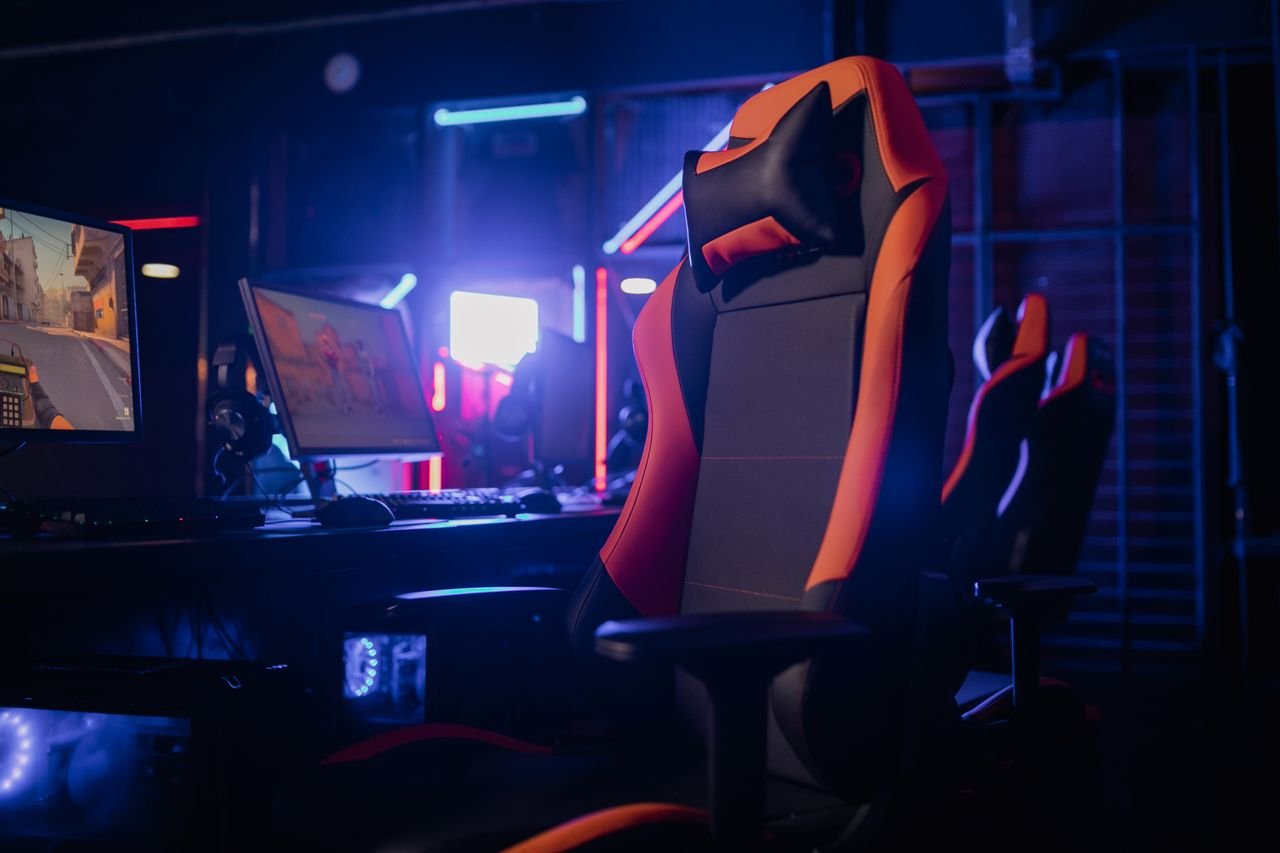
A gaming chair can make a gaming setup more comfortable, but choosing the right model requires more than finding an attractive design. Seat dimensions, lower-back support, adjustable armrests, upholstery and build quality can all affect how well a chair suits the person using it. Price matters too, particularly for buyers who also need to budget for a desk, monitor and other equipment.
The UK market includes relatively affordable chairs for occasional gaming, mid-range models with wider seats and additional adjustments, and premium designs intended for people who spend many hours at a computer. Some are built around the racing-seat appearance associated with gaming, while others use mesh upholstery and office-chair mechanisms to prioritise adjustability and airflow.
Recent buying guides from PC Gamer and TechRadar continue to feature established models such as the Secretlab Titan Evo, while the Corsair TC100 Relaxed offers another option for buyers looking for a broad, racing-inspired seat. These products illustrate the range of designs available, but the most expensive chair is not automatically the best fit for every user.
For UK shoppers, the sensible starting point is to consider how long the chair will be used each day, whether it will double as a home-working seat and which adjustments are genuinely necessary. A chair that fits the user and the desk is more useful than one chosen primarily for its appearance.
What makes a good gaming chair?
A good gaming chair should support a comfortable sitting position while allowing the user to change posture. The seat needs to fit the person’s body, the backrest should support the lower back and the height should allow the feet to rest comfortably on the floor or a suitable footrest.
The Health and Safety Executive’s guidance on display screen equipment recommends adjusting the seat so it supports the thighs without putting excessive pressure behind the knees. It also advises users to ensure that the backrest supports the lower back and that the screen, keyboard and mouse are positioned to avoid unnecessary twisting or reaching.
These principles apply whether someone is playing games, studying or working from home. A chair marketed specifically to gamers does not automatically provide better support than a conventional office chair. The fit and range of adjustment are more important than the label.
A useful chair should also remain stable when reclining, roll smoothly on the intended floor surface and have controls that are easy to reach. A wide seat may suit some users, while others may find a more compact design easier to position at a desk.
Gaming chairs to consider in the UK
There is no single model that suits every budget or body shape. The following examples show how the main options differ in price, adjustability and intended use. Prices are manufacturer or retailer listings checked on 22 October 2026 and can change.
| Gaming chair | Listed UK price | Key specifications | Best suited to |
|---|---|---|---|
| ThunderX3 Solo 360 | £169.99 | Fabric upholstery, moulded foam padding, 3D armrests and synchronous tilt | Buyers looking for a feature-rich chair at a lower price |
| Corsair TC100 Relaxed | £199.99 | Fabric or leatherette options, steel frame, adjustable lumbar cushion, 90–160-degree recline on listed configurations | Gamers who prefer a wider, racing-inspired seat |
| Secretlab Titan Evo | From £469 | Multiple sizes, integrated adjustable lumbar support, magnetic head pillow and 4D armrests | Buyers prioritising extensive adjustment and premium construction |
| ThunderX3 Core | £339.95 | Fabric upholstery, six-way adjustment mechanism, 4D armrests and ergonomic headrest | Users seeking more adjustment options |
| Herman Miller x Logitech G Embody | Premium pricing; check current listing | Ergonomic office-chair design developed with gaming use in mind | Buyers who want a premium chair for gaming and desk work |
Sources: Overclockers UK ThunderX3 listings, Corsair TC100 Relaxed official product page, Secretlab Titan Evo UK, and Logitech G gaming furniture. The Herman Miller x Logitech G Embody is included as a premium category example; its current UK price should be confirmed directly before publication.
Secretlab Titan Evo
The Secretlab Titan Evo is a premium option for buyers who want a broad range of adjustments. Its UK product page lists the chair from £469, with different sizes and upholstery options available. Features include an integrated lumbar-support system, a magnetic head pillow and adjustable armrests.
Its appeal lies in the combination of adjustability, size options and a design intended for extended use. However, it costs considerably more than many entry-level gaming chairs. Buyers should compare the available sizes against their own height and weight, check the return conditions and consider whether the additional features justify the extra expense.
The chair’s appearance may suit a gaming room, but its practical fit is the more important consideration. Anyone considering a premium model should check the seat depth, backrest dimensions and desk clearance before ordering.
Corsair TC100 Relaxed
The Corsair TC100 Relaxed is a more moderately priced option. Corsair’s UK listing showed the fabric version at £199.99 on 22 October 2026. The manufacturer describes it as having a wider seat surface and a racing-inspired design, with fabric and leatherette variants. Its listed specifications include a steel seat frame, adjustable lumbar cushion and reclining backrest.
The chair may suit users who prefer a less restrictive seat than the narrow, heavily bolstered designs sometimes associated with gaming chairs. Its maximum supported weight and seat dimensions should still be checked against the exact version being purchased.
The price is also worth comparing with conventional office chairs in the same range. A gaming-style design may suit a particular room, but shoppers who value airflow, a less pronounced seat shape or different back support may find an office chair more appropriate.
ThunderX3 Solo 360
The ThunderX3 Solo 360 is listed by Overclockers UK at £169.99. The retailer identifies fabric upholstery, moulded foam padding, 3D armrests and a synchronous tilt mechanism among its features.
It offers an example of the features available below the £200 mark. Adjustable armrests and a tilt mechanism can help users find a more comfortable position, although the effectiveness of these adjustments depends on how well the chair fits the individual.
Before purchasing, check the chair’s height range, seat width and depth, weight capacity and warranty. These details can matter more than cosmetic extras such as contrast stitching or logos.
How to choose the right gaming chair
Check the size and weight capacity
A chair should fit the person using it, rather than forcing the user to adapt to its shape. Manufacturers commonly provide seat width, seat depth, backrest height and supported weight. Compare these figures before ordering, particularly if you are taller or shorter than average or prefer more room to move.
Seat depth is especially important. A seat that is too deep can press against the backs of the knees, while one that is too shallow may provide insufficient support for the thighs. Ideally, the user should be able to sit back against the backrest while leaving a small gap between the front edge of the seat and the backs of the knees.
Weight capacity should not be treated as the only measure of suitability. The chair’s overall dimensions, base construction and adjustment range also influence how comfortably it can be used.
Look for useful ergonomic adjustments
Ergonomics concerns how equipment fits the people using it. In a gaming chair, useful adjustments may include seat height, backrest angle, tilt tension, lumbar support and armrest position.
Lumbar support is designed to support the inward curve of the lower back. Some chairs use a separate cushion, while others have a built-in mechanism that can be adjusted. Neither approach is automatically better: the support should sit comfortably against the user’s back without pushing them into an awkward position.
Armrests can help support the arms, but their height and position must work with the desk. If they prevent the chair from moving close enough to the desk, they may encourage the user to lean forward. Four-dimensional, or 4D, armrests usually allow adjustment in height, forwards and backwards, sideways and rotation. Simpler models offer fewer options, which may be sufficient for some users.
Reclining is another feature to assess. A reclining backrest can make it easier to change position between gaming sessions, but a large advertised recline angle does not by itself indicate better ergonomic support.
Choose between fabric, mesh and leatherette
Upholstery affects how a chair feels, how it looks and how much maintenance it requires.
Fabric is often chosen for its softer feel and can be a practical option for regular use. However, it may absorb spills and require more careful cleaning. Mesh allows more airflow through the backrest and is common in office-style ergonomic chairs. Its support and durability depend on the design and materials used.
Leatherette, also called synthetic leather, gives many gaming chairs a smooth, leather-like finish. It can be wiped clean more easily than some fabrics, although heat and perspiration may make it less comfortable in warm rooms. Its long-term durability varies with the quality of the material and how the chair is maintained.
Genuine leather is available on some premium chairs, but it generally costs more and requires suitable care. Buyers should read the product description carefully because similar-looking finishes can use different materials.
Is a gaming chair better than an office chair?
Not necessarily. Gaming chairs often use a high backrest, prominent side bolsters and a racing-inspired appearance. Office chairs tend to offer a wider range of designs, including mesh backrests and mechanisms designed for desk work.
The better choice depends on the user’s needs. Someone who wants a matching gaming setup and a reclining backrest may prefer a gaming chair. A person who spends most of the day working at a desk may prioritise adjustable lumbar support, breathable materials and a design that makes it easy to move and change posture.
The Health and Safety Executive advises that a workstation should be arranged to support a comfortable position, with the chair adjusted to the user and the screen positioned at an appropriate height. It also recommends taking breaks or changing activity rather than remaining in one position indefinitely.
A gaming chair cannot compensate for a poorly arranged desk or a monitor placed too low. Before buying, consider the height of the desk, the location of the screen and whether the chair’s armrests will fit beneath the work surface.
What should buyers know about gaming chair prices?
A lower-priced gaming chair can be suitable for occasional use, while more expensive models may provide additional adjustments, more size choices or different upholstery. However, price alone does not establish comfort, durability or suitability.
A useful comparison should include the chair’s total cost, warranty, delivery charges and return policy. Assembly requirements also matter, especially for larger models that arrive in heavy boxes. Check whether the manufacturer offers replacement parts, such as castors or armrest pads, because the ability to replace worn components may affect the chair’s useful life.
Buyers should be cautious about treating advertised discounts as proof of value. Compare the actual specifications and current prices of several chairs in the same category. A chair with fewer features may be the better purchase if it fits properly and provides the adjustments the user needs.
Where possible, try the chair in person. If that is not practical, review the dimensions carefully and check the retailer’s return terms before placing an order. Do not assume that every retailer accepts assembled chairs for return without conditions.
Setting up a gaming chair correctly
After assembly, adjust the chair before starting a long gaming session. Set the seat height so the feet rest flat on the floor, or use a footrest if necessary. Aim for the thighs to be supported without the front edge pressing into the backs of the knees.
Adjust the backrest so it supports the lower back. Keep the shoulders relaxed and position the keyboard and mouse so the arms can remain near the body without excessive reaching. The top of the screen should be around eye level, with the display positioned at a comfortable viewing distance. These adjustments follow the HSE’s general workstation guidance.
Take regular breaks to stand, stretch or move around. Even a well-adjusted chair is not a reason to remain seated for hours without changing position. If a chair causes persistent discomfort, reassess its fit and settings rather than assuming the sensation is inevitable.
Which gaming chair should you buy?
The right gaming chair depends on budget, body size, desk setup and how the chair will be used. The ThunderX3 Solo 360 is worth comparing for buyers looking below £200, while the Corsair TC100 Relaxed offers a wider racing-inspired design at a higher price. The Secretlab Titan Evo is a premium alternative for shoppers who want more adjustment options and a choice of sizes.
These models are starting points, not a universal ranking. The most useful purchase is one that supports a comfortable sitting position, fits the desk and provides the adjustments the user will actually use. Comparing dimensions, upholstery, warranty and return terms can help UK buyers make a more informed decision than choosing by appearance alone.